
Software
ArcTool
Core software package enabling FANUC robots to perform industrial arc welding with precision, consistency, and advanced process control.

Course code: WBTARCTOOL0112E
ArcTool Operations and Programming training covering robotic arc welding setup, programming, weld procedures, schedules, troubleshooting, and production features.
See course dates and enroll. A FANUC Academy login is required to register.

This course is intended for an operator, technician, engineer or programmer who must set up, teach, test, and modify Arc Welding applications and processes on an R-30iB Plus Robot Controller. Upon successful completion of this course, the student can identify the components of a typical Robotic Arc Welding system. Become familiar with the connection of the welding Power Supply. Become familiar with the creation and manipulation of Weld Procedures and Weld Schedules. Understanding the different Weld Process settings and how to manipulate them for production needs, as well as develop a general understanding of Robotic Arc Welding procedures and practices. More specifically:
This course consists of content descriptions and examples, interactive modules, and lesson reviews designed to reinforce what the student has learned. A post-test is used to measure the student’s mastery of the objectives.
The recommended order for FANUC robot training, from operator basics through advanced programming, vision and maintenance.
Core software package enabling FANUC robots to perform industrial arc welding with precision, consistency, and advanced process control.
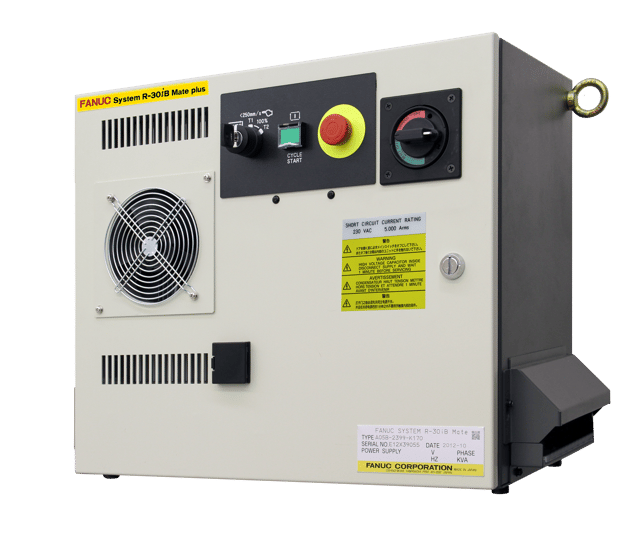
FANUC’s R‑30iB Plus controller delivers fast processing and improved performance, enabling quick setup, easy programming, and high precision.

CRX Paint eLearn covering CRX paint robot setup, paint plugins, paint teaching, tablet interface configuration, and paint application programming.

Tablet TP Introduction eLearn covering Tablet TP setup, user interface navigation, program creation, execution, plugin functions, and basic robot operation.

1‑hour CNC Guide setup training covering installation, machine composition setup, configuration, and preparation for FANUC virtual and eLearn CNC courses.

40-minute free FANUC CNC introduction covering machine configurations, control components, screen navigation, system fundamentals, and FANUC organization basics.